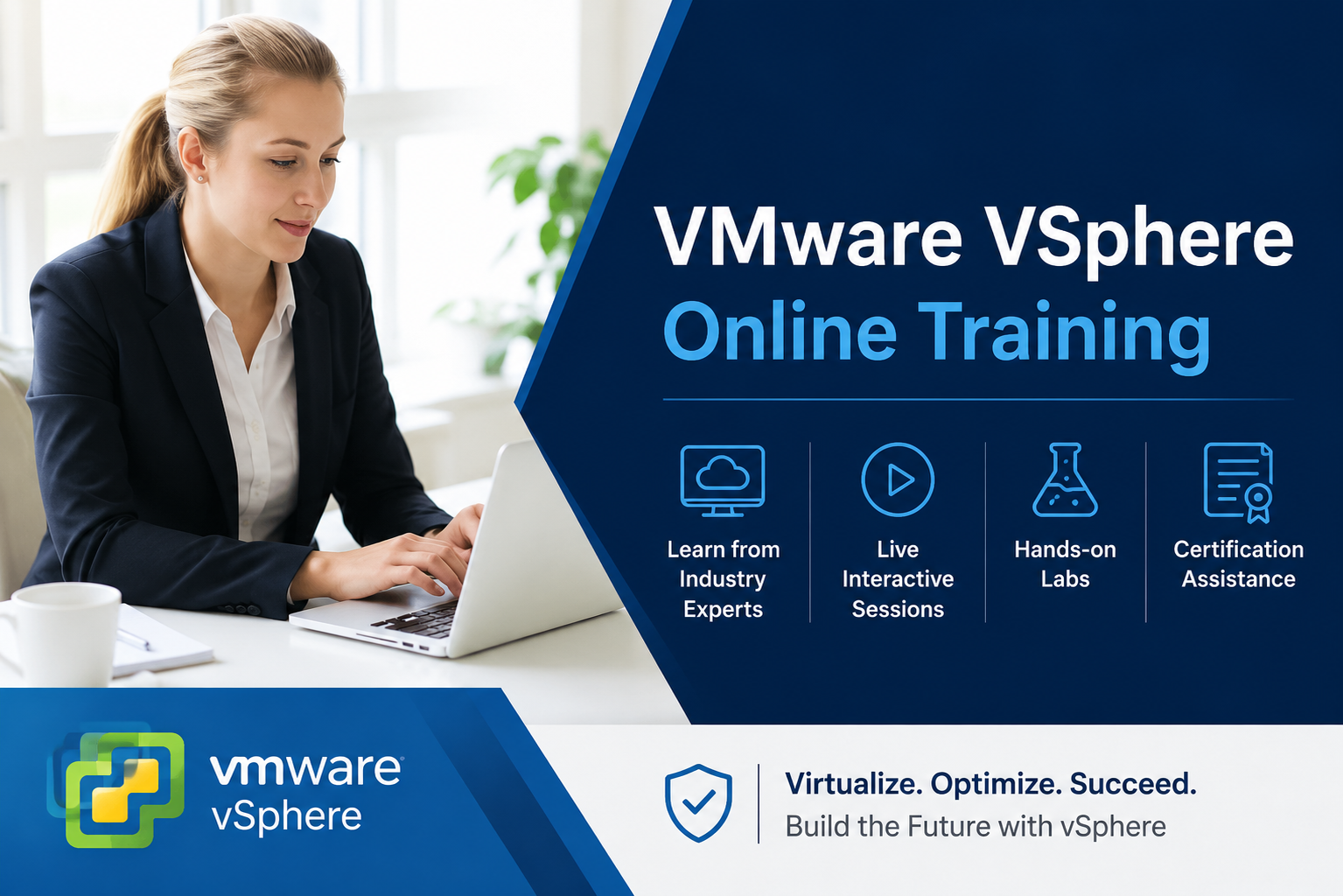
VMware Online Training: Master Virtualization & Cloud Infrastructure
Streamline your IT environment and lead the shift to the software-defined data center. VMware is the industry-leading virtualization platform that allows organizations to run multiple operating systems on a single physical server, optimizing resources and reducing costs. At IT Certification Guide, we provide a practical, real-time training experience led by virtualization experts to help you master the modern cloud landscape.
The IT Certification Guide Strategic Advantage
As businesses migrate to hybrid and multi-cloud environments, VMware expertise has become a non-negotiable skill for infrastructure professionals. Our 30-hour intensive program is designed to take you from virtualization basics to advanced cloud management.
Why our students excel in the field:
-
Enterprise-Level Proficiency: Gain deep knowledge of vSphere, ESXi hosts, and vCenter Server management.
-
Practical Virtualization: Learn through 9 hands-on assignments and 2 major projects that simulate real-world data center challenges.
-
Career-Focused Curriculum: Our training is meticulously designed to help you clear the VMware Certified Professional (VCP) exams and other industry certifications.
-
Global Success: Join a community of 2,000+ successful learners. With a network of 200+ global hiring partners, we ensure your resume reaches top recruiters in the USA, India, and beyond.
VMware Mastery Roadmap
Our curriculum is structured to build your expertise layer by layer, from hypervisor installation to complex resource management.
| Module | Technical Focus | Career Outcome |
| Foundation | Virtualization Basics & ESXi Installation | Virtualization Associate |
| Management | vCenter Server & VM Operations | Systems Administrator |
| Optimization | Backup, Restore, & Log Management | Cloud Infrastructure Engineer |
| Advanced | Scaling & High Availability (HA) | VMware Certified Expert |
Why Build Your Career in VMware?
Virtualization is the backbone of Cloud Computing. By mastering VMware, you position yourself at the heart of modern IT operations.
-
Essential for Modern IT: Over 80% of virtualized workloads globally run on VMware technology.
-
High Demand: Organizations are constantly looking for System Admins, Cloud Engineers, and Network Experts who can manage complex virtual environments.
-
Bonus Skillset: Enroll today and receive an additional self-paced course for free—allowing you to master complementary technologies like AWS or Azure simultaneously.
Key Course Features
-
30 Hours of high-definition, instructor-led video training.
-
9 Practical Assignments focused on real-world server workloads and troubleshooting.
-
2 Real-Time Projects involving live VM management and cloud deployment.
-
7 Downloadable Resources including installation guides and configuration checklists.
-
Lifetime Access: Permanent entry to our Learning Management System (LMS) for all future updates and recordings.
-
24/7 Expert Support: Our technical team is always available to resolve your lab queries and environment issues.
Frequently Asked Questions (FAQ)
Q: Do I need prior experience in networking to take this course?
A: While a basic understanding of networking and servers is helpful, our course begins with foundational virtualization concepts to ensure even beginners can keep up.
Q: Will IT Certification Guide provide the software environment for practicals?
A: Yes. Our trainers will guide you through the setup of your own lab environment and provide access to necessary tools to execute all 9 assignments and 2 projects.
Q: Does this course prepare me for the VCP (VMware Certified Professional) exam?
A: Absolutely. The curriculum is specifically designed to align with the latest VMware certification blueprints to ensure you are exam-ready upon completion.
Q: Are there flexible payment options available?
A: Yes, we accept fees in installments. Please reach out to our support team to discuss a plan that works for you.
Q: What kind of job assistance does IT Certification Guide provide?
A: We provide full resume building, mock interviews, and direct referral services to our 200+ global partner companies.
Curriculum
- 8 Sections
- 0 Lessons
- 30 Hours
- Module 1: Introduction to VMware Virtualization and vSphereThis module introduces virtualization concepts, VMware products, vSphere architecture, ESXi, vCenter Server, Software-Defined Data Centers (SDDC), and the benefits of virtualization. Students will gain a strong foundation in VMware technologies and modern data center environments.0
- Module 2: VMware ESXi Installation and ConfigurationStudents will learn ESXi installation, host configuration, networking setup, DNS configuration, storage configuration, host management, and vSphere Client administration. The module focuses on building and managing VMware hosts efficiently.0
- Module 3: vCenter Server AdministrationThis module covers vCenter Server deployment, inventory management, datacenters, clusters, licensing, permissions, role-based access control, monitoring, and centralized management. Students will learn how to administer enterprise VMware environments.0
- Module 4: Virtual Machine ManagementStudents will learn virtual machine creation, guest operating system installation, VMware Tools, templates, cloning, snapshots, resource allocation, VM customization, and lifecycle management. The module focuses on managing workloads within virtualized environments.0
- Module 5: VMware Networking and StorageThis module introduces virtual switches, distributed switches, VMkernel networking, VLANs, NFS, iSCSI, VMFS, datastores, storage management, and storage optimization techniques. Students will learn how to design and manage VMware networking and storage infrastructures.0
- Module 6: High Availability, vMotion, and Resource ManagementStudents will explore vMotion, Storage vMotion, High Availability (HA), Distributed Resource Scheduler (DRS), resource pools, load balancing, fault tolerance, and workload optimization. The module focuses on maintaining highly available and efficient virtual infrastructures.0
- Module 7: Monitoring, Security, and TroubleshootingThis module covers VMware security, permissions, monitoring, logging, alarms, performance tuning, backup and recovery, patch management, troubleshooting methodologies, and best practices for maintaining enterprise VMware environments.0
- Module 8: Real-Time Projects, VCP Certification, and Career PreparationStudents will work on real-world VMware infrastructure projects involving ESXi deployment, vCenter administration, VM migration, storage management, and cluster configuration. The module also includes VMware Certified Professional (VCP) certification preparation, interview questions, resume building, and career guidance for roles such as VMware Administrator, Virtualization Engineer, Systems Administrator, Infrastructure Engineer, and Cloud Engineer.0

Courses you might be interested in
-
0 Lessons
-
0 Lessons