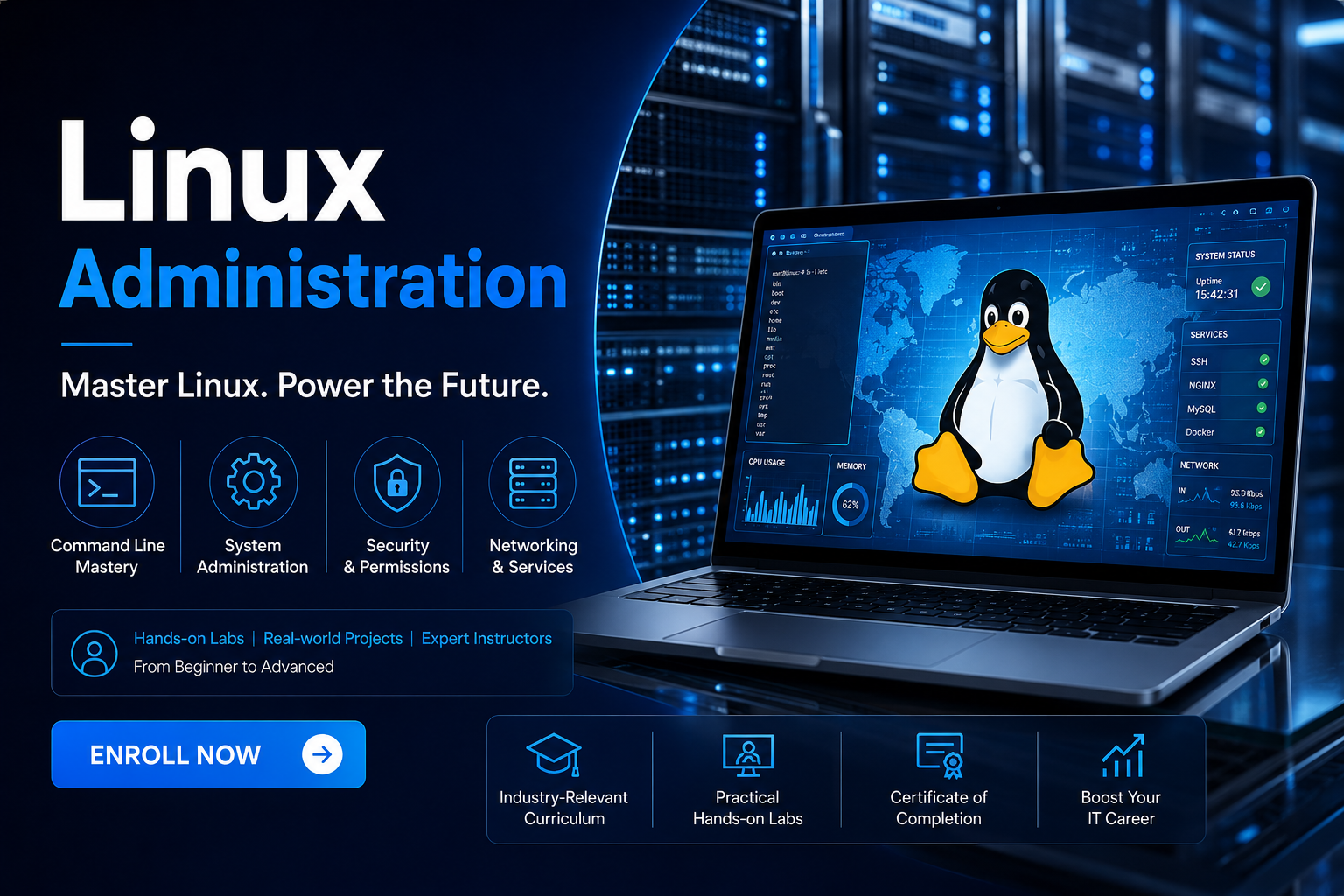
Linux Administration Course: Master the Core of Enterprise IT
Power the world’s most secure and scalable servers. Linux is the backbone of modern enterprise infrastructure, cloud computing, and cybersecurity. At IT Certification Guide, we offer a practical, real-time training experience led by industry veterans to help you master Linux administration from the ground up.
The IT Certification Guide Strategic Advantage
Whether you are aiming for a career in DevOps, Cloud Engineering, or System Administration, Linux mastery is your foundation. Our 30-hour intensive program transitions you from basic commands to complex server management.
Why our learners lead the industry:
-
Hands-On Expertise: Move beyond theory with 12 practical assignments and 2 major projects simulating real-world server environments.
-
Comprehensive Curriculum: Deep dive into Linux architecture, kernel operations, user management, and advanced security protocols.
-
Global Recognition: Join a community of 7,500+ successful learners. Our network of 200+ global hiring partners ensures your skills reach top-tier recruiters in the USA, India, and beyond.
-
Certification Ready: Our modules are meticulously designed to align with major certifications like RHCSA (Red Hat Certified System Administrator) and Linux+.
Linux Mastery Roadmap
Our structured syllabus builds your technical confidence step-by-step.
| Phase | Technical Focus | Career Outcome |
| Foundation | Installation, Architecture & Basic Commands | Junior Linux Admin |
| Administration | User Management, File Systems & Permissions | Systems Administrator |
| Networking | Server Configuration, SSH & Package Management | Network Engineer |
| Advanced | Shell Scripting, Security & Real-world Projects | Senior Infrastructure Lead |
Key Course Features
-
30 Hours of high-quality, instructor-led video training.
-
12 Assignments based on actual industry use cases.
-
2 Real-Time Projects covering server deployment and security hardening.
-
Lifetime Access: Permanent entry to our Learning Management System (LMS) for all future updates and recordings.
-
24/7 Global Support: Our technical team is always online to help you navigate complex command-line challenges.
-
Job Assistance: Dedicated support for resume building and placement opportunities.
Frequently Asked Questions (FAQ)
Q: Do I need a technical background to learn Linux Administration?
A: No. Our course is designed for both beginners and experienced professionals. We start with the absolute basics of the Linux kernel before moving to advanced administration.
Q: Will IT Certification Guide provide a lab environment for practice?
A: Yes. Our trainers will guide you through setting up a virtualized Linux environment on your machine so you can practice commands and scripts safely.
Q: Can I schedule my classes according to my work timings?
A: We offer multiple batch options, including weekdays and weekends. If you miss a live session, you will have immediate access to the high-definition recording in your LMS.
Q: Are there discounts available for group enrollments?
A: Yes! We offer special pricing for groups, referrals, and batch enrollments. Additionally, enrolling in Linux gives you a second self-paced course of your choice for free.
Q: How does the job assistance program work?
A: Once you complete the projects and earn your certificate, our support team shares your resume with our clientele of 200+ global companies and provides mock interview preparation.
Curriculum
- 8 Sections
- 0 Lessons
- 30 Hours
- Module 1: Introduction to Linux and System AdministrationThis module introduces Linux operating systems, distributions, Linux architecture, command-line interface, shell concepts, file system hierarchy, and the role of a Linux Administrator. Students will gain a strong foundation in Linux environments and administration concepts.0
- Module 2: Linux Installation and File System ManagementStudents will learn Linux installation, partitioning, boot process, file systems, directory structures, file management commands, permissions, ownership, links, and storage management. The module focuses on managing Linux systems efficiently.0
- Module 3: User Administration and Security ManagementThis module covers user and group management, password policies, access controls, file permissions, sudo privileges, PAM, SELinux fundamentals, and Linux security best practices. Students will learn how to secure Linux environments and manage user access.0
- Module 4: Process Management and Shell ScriptingStudents will explore process monitoring, job scheduling, system services, systemd, cron jobs, shell scripting, variables, loops, functions, and automation techniques. The module focuses on improving administration efficiency through scripting and automation.0
- Module 5: Linux Networking and Service ConfigurationThis module introduces TCP/IP networking, network configuration, DNS, SSH, FTP, web services, firewall configuration, remote administration, and troubleshooting network issues. Students will learn how to configure and manage Linux network services.0
- Module 6: Software Management and System MaintenanceStudents will learn package management, RPM, DNF/YUM, software installation, updates, dependency management, system monitoring, log management, backup strategies, and performance tuning. The module focuses on maintaining stable and efficient Linux systems.0
- Module 7: Advanced Linux Administration and TroubleshootingThis module covers boot process troubleshooting, storage management, logical volume management (LVM), performance monitoring, system diagnostics, security hardening, disaster recovery, and advanced administration techniques. Students will learn how to manage enterprise Linux environments.0
- Module 8: Real-Time Projects, RHCSA Preparation, and Career DevelopmentStudents will work on real-world Linux administration projects involving server setup, user management, networking, automation, monitoring, and security implementation. The module also includes RHCSA certification preparation, interview questions, resume building, and career guidance for roles such as Linux Administrator, System Administrator, DevOps Engineer, Infrastructure Engineer, and Cloud Administrator.0

Courses you might be interested in
-
0 Lessons
-
0 Lessons