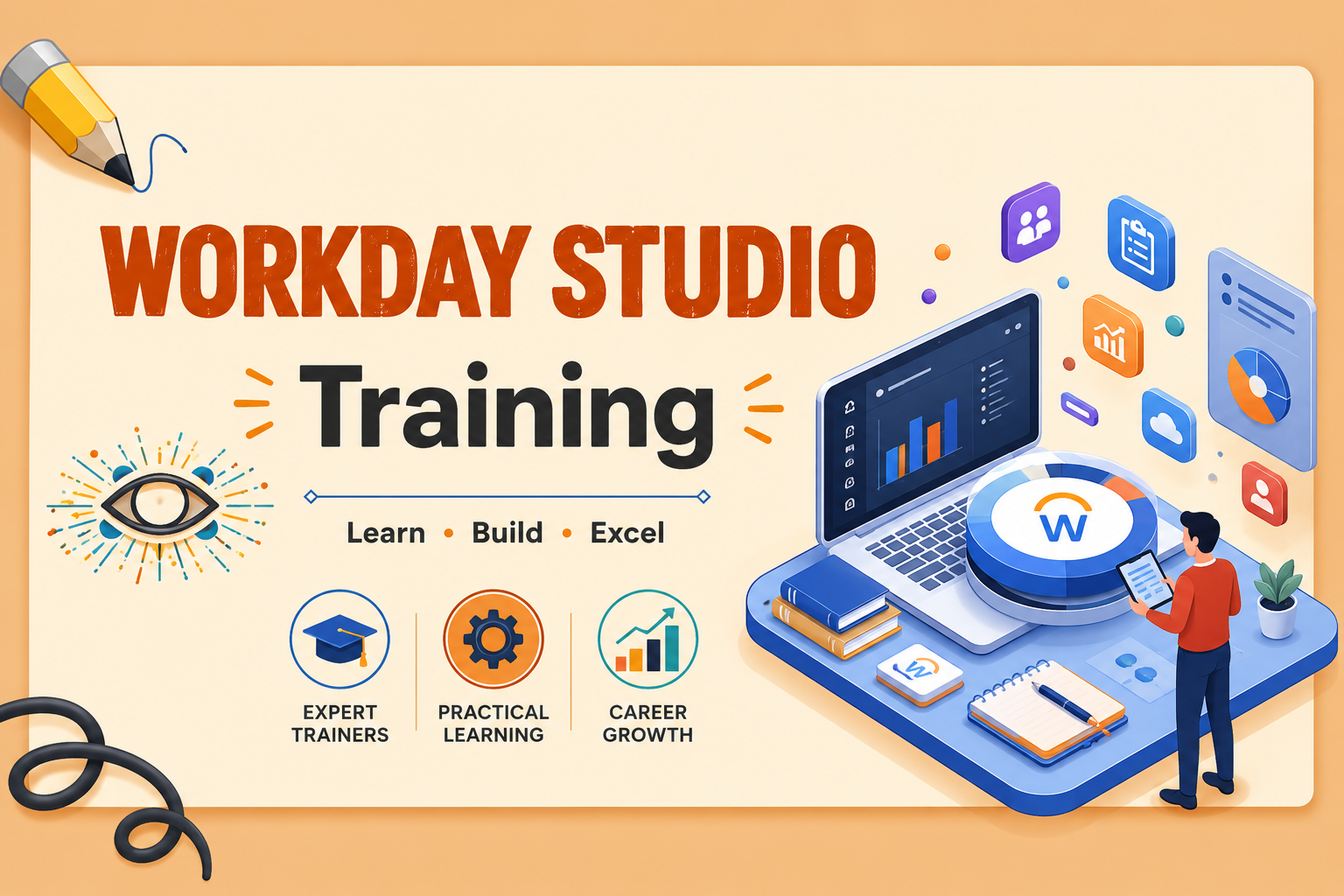
Workday Studio Certification Training: Advanced Integration Guide (2026)
Workday Studio is the premier development tool for architects and developers who need to go beyond the basics. While EIBs and Core Connectors handle standard tasks, Workday Studio is where you build high-performance, complex, and customized integrations using a sophisticated Eclipse-based environment.
🚀 Why Specialize in Workday Studio?
As organizations grow, their data needs become more intricate. Studio developers are the “architects” of the Workday ecosystem, capable of handling large data sets and multi-endpoint integrations that simple tools cannot touch.
Key Training Highlights
-
20 Hours of Technical Depth: In-depth coverage of the Studio workbench.
-
11 Hands-on Assignments: Progressive tasks to build your muscle memory.
-
2 Capstone Projects: Real-world integration scenarios from scratch to deployment.
-
Master Complex Services: Detailed training on Splitters, Aggregators, and Error Handling.
🏗️ Technical Syllabus Breakdown
Master the components that make Workday Studio the most powerful tool in the HCM suite.
1. Integration Foundations & Environment
-
Setting up the Eclipse-based Studio workbench.
-
Understanding the Workday Assembly Framework.
-
Managing projects and versions.
2. Component Mastery
-
Mediation Types: Using various components to transform and route data.
-
Services: Mastering the use of Splitters (breaking down large files) and Aggregators (combining data streams).
-
Report Calls: Invoking RaaS (Report as a Service) within an assembly.
3. Inbound & Outbound Logic
-
Outbound Integrations: Extracting data to third-party vendors with complex formatting requirements.
-
Inbound Integrations: Building robust loaders for high-volume data entry with validation logic.
💼 Career & Certification Path
Workday Studio expertise is often the highest-paid skill set within the Workday ecosystem.
-
Target Roles: Workday Integration Architect, Senior Workday Developer, Technical Lead.
-
Placement Support: ITGuru leverages its network of 200+ companies in the USA and India to help you secure a position.
-
Certification Ready: Our curriculum is updated to 2026 standards, ensuring you are prepared for the latest proctored exams.
❓ Workday Studio FAQ
Q: Is Workday Studio difficult to learn?
A: It has a steeper learning curve than EIBs because it requires a more technical mindset. However, ITGuru’s trainer-led approach breaks down complex components like “Data Delivery” into easy-to-understand modules.
Q: What are the prerequisites?
A: No strict degree requirements, but a basic understanding of XML, XSLT, and Workday navigation is highly recommended.
Q: Do I get a sandbox environment?
A: Yes. ITGuru provides the necessary environment to execute your practicals and assignments under expert guidance.
Curriculum
- 8 Sections
- 0 Lessons
- 20 Hours
- Module 1: Introduction to Workday Studio and Integration FundamentalsThis module introduces Workday Studio, Workday Integration Architecture, Integration Cloud Platform, Workday Studio Interface, Enterprise Interface Builder (EIB), Core Connectors, and Integration concepts. Students will gain a strong foundation in building and managing enterprise integrations within the Workday ecosystem.0
- Module 2: Workday Studio Environment Setup and Project DevelopmentStudents will learn Workday Studio installation, workspace configuration, project creation, assembly structures, components, services, steps, and development best practices. The module focuses on creating and managing integration projects efficiently.0
- Module 3: Workday Web Services and API IntegrationThis module covers Workday Web Services (WWS), SOAP APIs, REST APIs, authentication methods, WSDLs, endpoints, API testing, and real-time integration development. Students will learn how to exchange data securely between Workday and external systems.0
- Module 4: Data Transformation using XML, XSLT, and XPathStudents will learn XML processing, XSLT transformations, XPath expressions, document transformation techniques, data mapping, and integration data formatting. The module focuses on transforming and manipulating data for enterprise integration requirements.0
- Module 5: Inbound and Outbound IntegrationsThis module introduces inbound integrations, outbound integrations, Workday In and Workday Out connectors, file processing, data movement, integration scenarios, and enterprise connectivity solutions. Students will learn how to build end-to-end data exchange processes.0
- Module 6: Error Handling, Debugging, and MonitoringStudents will explore logging mechanisms, exception handling, error management, debugging tools, monitoring integration execution, troubleshooting techniques, and production support best practices. The module prepares learners to maintain reliable integrations.0
- Module 7: Advanced Workday Studio DevelopmentThis module covers advanced integration patterns, reusable components, boomerang integrations, chained integrations, complex transformations, performance optimization, and enterprise integration design. Students will learn how to develop scalable and robust Workday solutions.0
- Module 8: Deployment, Real-Time Projects, and Career PreparationStudents will learn integration packaging, deployment to Workday tenants, migration strategies, version control, real-world integration projects, certification guidance, interview preparation, and industry best practices. This module helps students become job-ready Workday Studio Developers and Integration Consultants.0
Courses you might be interested in
-
0 Lessons
-
0 Lessons
-
0 Lessons
-
0 Lessons